

Migrating WooCommerce to Shopify without losing SEO or conversions
The process I use to replatform a store from WooCommerce to Shopify — redirect mapping, data migration and the conversion work — the way I ran it for Stateside Distribution for a 20% conversion lift.
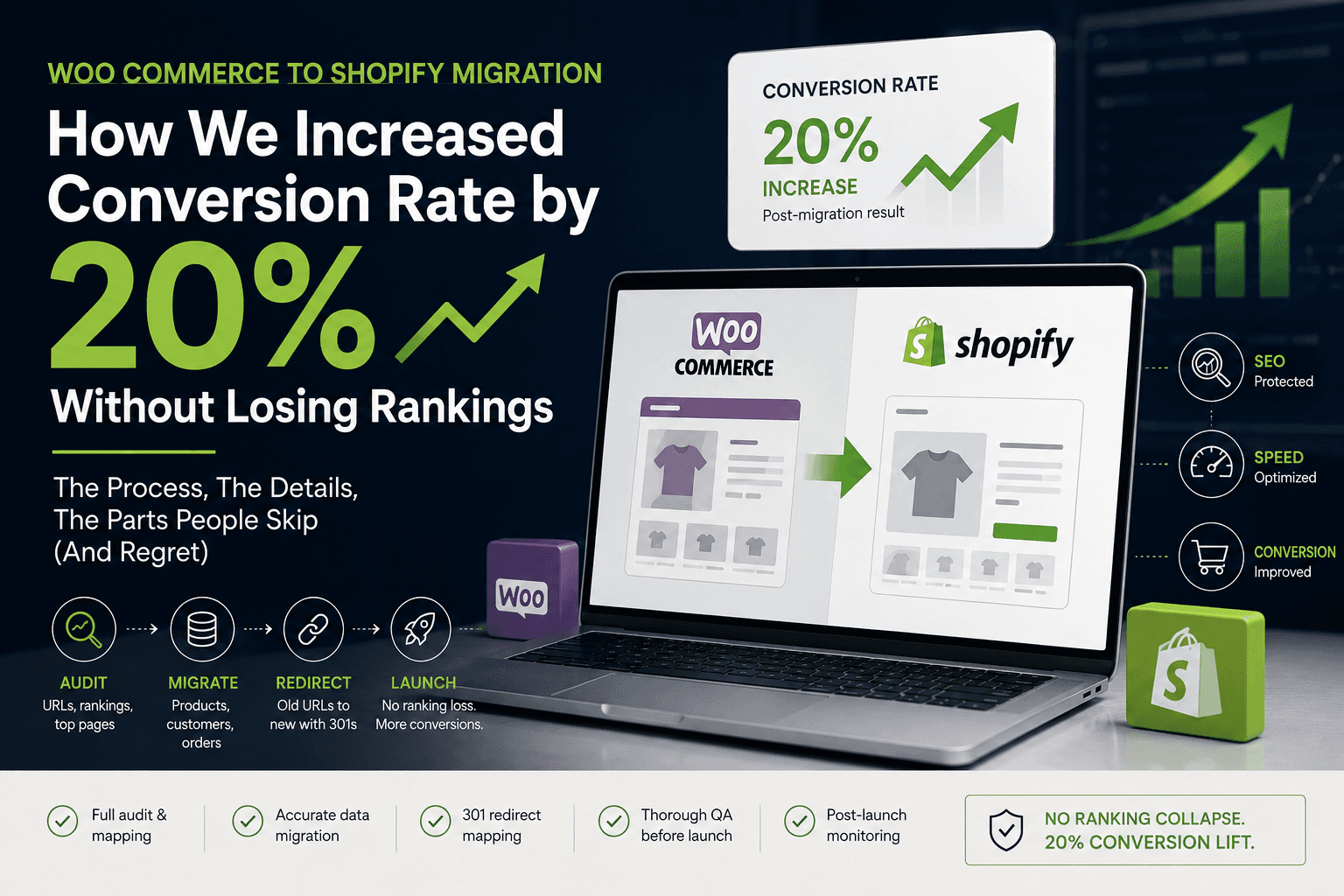
The two things a store migration can quietly destroy are the rankings you spent years earning and the conversion rate that pays the bills. I led a WooCommerce-to-Shopify migration for Stateside Distribution at Tuliptech that came out the other side with a 20% increase in conversion rate and no ranking collapse. This is the process I use to get that result — the parts that matter, and the parts people skip and regret.
Why migrations lose traffic and sales
WooCommerce and Shopify structure URLs differently. If you replatform without a redirect map, every product, category and blog URL Google has indexed becomes a 404 overnight. Rankings drop, and the sessions that do arrive land on error pages instead of products. The conversion hit is separate: a new theme means a new checkout path, new trust signals and new performance characteristics, and any of those can move the needle the wrong way. Treat SEO and conversion as two distinct workstreams and neither gets dropped.
- 01AuditURLs, rankings, top pages
- 02Exportproducts, customers, orders
- 03Map URLsold → new, 301s
- 04Importstaging store
- 05QAdata + redirects + speed
- 06LaunchDNS + resubmit sitemap
1. Audit before you touch anything
You cannot redirect URLs you did not record. Before the migration starts, capture the full picture of what exists and what earns:
- Every indexed URL — crawl the live site (Screaming Frog) and export the full URL list: products, categories, pages, blog posts, pagination.
- What actually ranks — pull top landing pages and queries from Google Search Console and GA4. These are the URLs where a broken redirect costs real money.
- A performance baseline — record current Core Web Vitals, conversion rate and AOV. Without a baseline you can't prove the migration helped, and you can't catch a regression.
2. Migrate the data — products, customers, orders
For anything past a handful of products, do this with Matrixify (formerly Excelify) rather than by hand. Export from WooCommerce to a spreadsheet, clean it, then import into a development / staging store — never straight into a live store you haven't validated. Migrate in this order so relationships resolve:
- Products & variants — including images, SKUs, inventory and metafields.
- Collections — map WooCommerce categories to Shopify collections (smart or manual).
- Customers — note that password hashes don't transfer; customers reset on first login.
- Historical orders — import for reporting and customer history, even though they're closed.
3. The redirect map is the whole game for SEO
Shopify uses fixed, non-negotiable URL prefixes. You can change the handle, but not the /products/, /collections/ or /blogs/ segment. That means almost every WooCommerce URL needs a 301 to its new Shopify equivalent.
| Criterion | WooCommerce | Shopify |
|---|---|---|
| Product | /product/{slug} | /products/{handle} |
| Category | /product-category/{slug} | /collections/{handle} |
| Shop / all | /shop | /collections/all |
| Blog post | /{yyyy}/{mm}/{slug} | /blogs/news/{handle} |
| Cart | /cart | /cart |
| Account | /my-account | /account |
Build the map as a CSV keyed off your crawl, then bulk-import it. Shopify has a native URL Redirects importer, and Matrixify handles it too. Keep the file in version control so the map is documented, not a one-off you can never reconstruct.
# url_redirects.csv — bulk import via Matrixify or Shopify's native
# URL Redirects importer (Online Store → Navigation → URL Redirects)
Redirect from,Redirect to
/shop,/collections/all
/product/merino-base-layer,/products/merino-base-layer
/product-category/mens,/collections/mens
/product-category/mens/jackets,/collections/mens-jackets
/?product=gift-card,/products/gift-card
/my-account,/account
/cart,/cart
/checkout,/checkout4. Verify redirects like you mean it
Don't trust the importer's success message. Take the top-traffic URLs from your audit and confirm each returns a 301 to the correct destination — not a 404, and not a soft redirect to the homepage (which Google treats almost as badly as a 404).
# after launch, confirm every important URL resolves the way you expect
# 301 = permanent redirect (good), 200 = live page (good), 404 = you missed one

for url in \
  "https://store.com/shop" \
  "https://store.com/product/merino-base-layer" \
  "https://store.com/product-category/mens"; do
  echo "$url -> $(curl -s -o /dev/null -w '%{http_code} %{redirect_url}' "$url")"
done
5. Protect the conversion rate
SEO keeps the traffic; these keep the sales. Where the 20% lift on Stateside actually came from:
- A faster storefront — I rebuilt the theme with a clean asset pipeline, cut render-blocking resources and improved LCP. Speed is a conversion lever, not just an SEO one.
- A shorter checkout path — Shopify Checkout is already high-converting; the job is to not get in its way. Accelerated wallets (Shop Pay, Apple Pay, Google Pay) on the product and cart pages remove friction for returning buyers.
- Trust signals carried over — reviews, badges, shipping and returns messaging migrated with the content, so the new store never looked less credible than the old one.
- Automations that protect margin — I wired up Shopify Flow to block fraudulent orders, so the conversion gains weren't eaten by chargebacks.
6. Launch checklist
- Redirect map imported and spot-checked against top-traffic URLs.
- Analytics and Search Console verified on the new store; new sitemap submitted.
- Payment providers, taxes and shipping zones live-tested with a real order.
- Transactional and marketing email (e.g. Klaviyo) reconnected and sending.
- Core Web Vitals measured against the pre-migration baseline.
- 404 report watched daily for the first two weeks; new gaps redirected as they surface.
The result
Done in this order — audit, migrate, map, verify, then optimise — a replatform stops being a gamble. For Stateside it meant no ranking cliff and a 20% lift in conversion rate, because the SEO work held the traffic steady while the rebuild made that traffic convert harder. The migration wasn't the risk; skipping the redirect map would have been.
Blocking fraudulent orders with Shopify Flow
How I built a native Shopify Flow automation to catch high-risk and mismatched-address orders the moment they're placed — tag, hold fulfillment and review before anything ships.
Building a modern Shopify product template with variant tabs and a specification accordion
How to ship a premium product page in Shopify — variant tabs instead of dropdowns, a clean spec accordion, and the Liquid + CSS + JS split that keeps it maintainable.
Shopify CLI, GitHub and CI/CD — a professional theme workflow
How I run Shopify theme work in 2026 — Shopify CLI for local dev, GitHub for version control, and GitHub Actions for safe, automated deploys to live and staging themes.